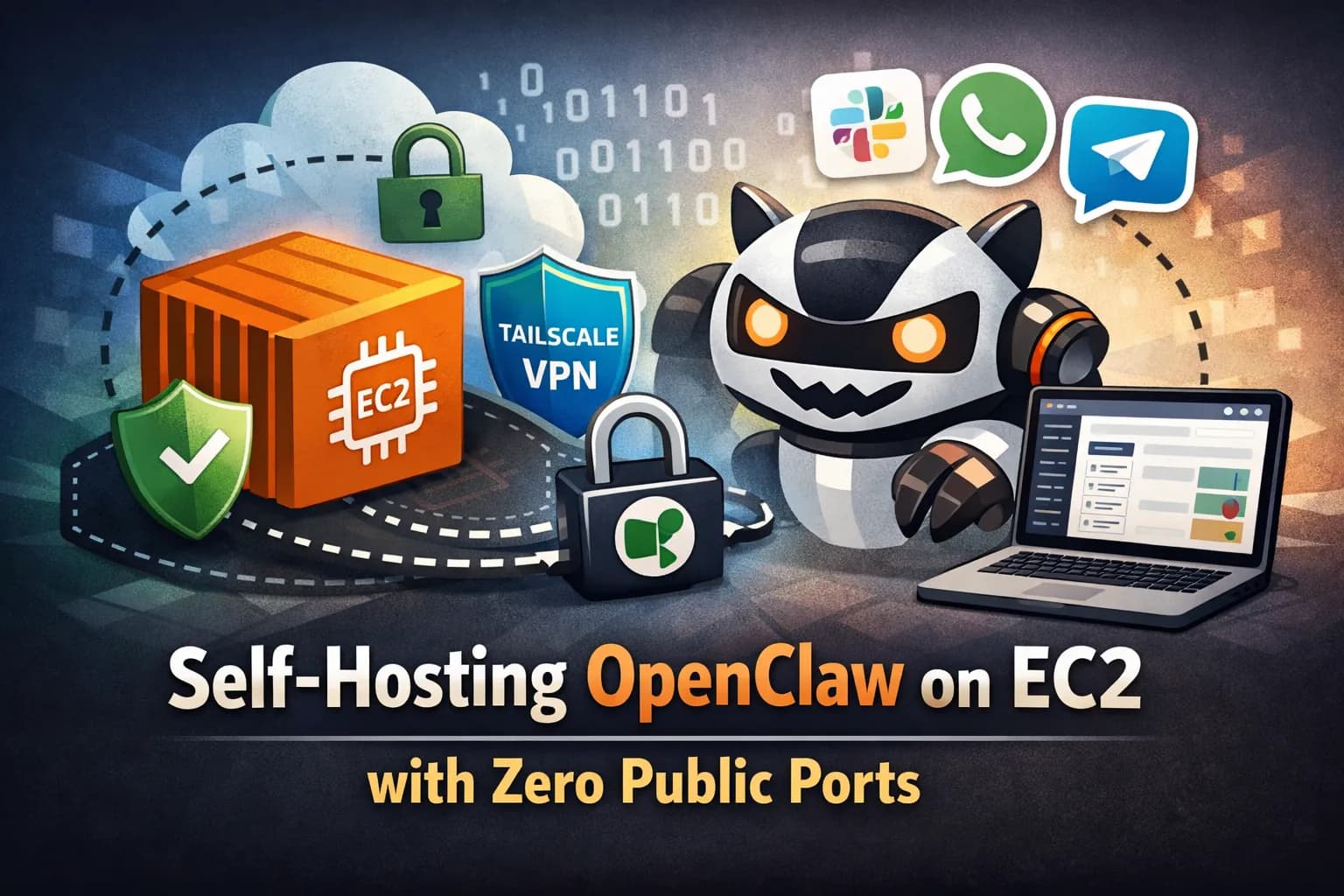
Self-Hosting OpenClaw on EC2 with Zero Public Ports

By: Dzhuneyt Ahmed
Posted · 4 min read
I've been using OpenClaw as my personal AI gateway — it connects LLMs to Slack, WhatsApp, Telegram, and a bunch of other messaging platforms. It's self-hosted by design, so you need to figure out where to run it.
I started with a quick setup on a bare VM, but that meant managing backups manually, worrying about open ports, and having no easy way to reproduce the setup if something breaks. That's why I put together a small CDK project that deploys OpenClaw on a single EC2 instance with zero public-facing ports. All access goes through Tailscale's mesh VPN.
The whole thing is about 200 lines of TypeScript across four CDK constructs. Here's how it works.
Why not just a plain EC2?
You could SSH into an EC2 instance, install OpenClaw, and call it a day. But then you're left with:
- No automated backups — if the volume dies, your conversation history and config are gone
- SSH port 22 open to the internet (or at least to your IP)
- No way to reproduce the setup without logging in and doing everything by hand again
- No version control over the infrastructure
For something I want to run long-term without babysitting, I wanted a setup that's reproducible, locked down, and backs itself up.
Network
The stack creates a VPC with public subnets only — no NAT gateway, which saves about $30/month. The security group has zero inbound rules. Outbound traffic is restricted to HTTPS, HTTP, and NTP. Tailscale handles all inbound connectivity through its encrypted mesh, so the instance never listens on a public port.
Secrets
A single SSM parameter (/openclaw/tailscale/auth-key) with a CHANGE_ME placeholder. CDK can't create SecureString parameters directly, so you replace it after the first deploy with aws ssm put-parameter --type SecureString. This is the only secret the stack manages — OpenClaw's own config (Slack tokens, LLM API keys) lives on the instance itself.
Instance
A t3.medium running Ubuntu 24.04 with a persistent EBS volume (30 GB, gp3, encrypted) mounted at /data. The volume has RemovalPolicy.RETAIN, so it survives instance replacements and even stack deletion.
The bootstrap script (bootstrap.sh) runs on first boot: it mounts the data volume (only formats if there's no existing filesystem), installs Docker, Node 22, OpenClaw, AWS CLI v2, and Tailscale. If the SSM parameter has a real auth key, Tailscale joins the tailnet automatically.
Backup
I used AWS Backup for this — a daily snapshot at 2:00 AM UTC with 7-day retention. It picks up the data volume automatically by looking for a backup=openclaw tag. No Lambda functions, no cron jobs to maintain.
How it all fits together
- Network — VPC and security group (zero inbound rules)
- Secrets — SSM parameter for the Tailscale auth key
- Instance — EC2 with IAM role, user data, and a persistent EBS volume. Uses the VPC and security group from Network, and reads the auth key from Secrets.
- Backup — Daily snapshot plan that discovers the data volume by tag, independent of the other constructs
How you access everything
- Shell: SSM Session Manager. No SSH keys, no port 22, no bastion host.
- Dashboard: Tailscale Serve exposes OpenClaw's Control UI over HTTPS via MagicDNS (
https://openclaw-ec2.<tailnet>.ts.net/). Only devices on your tailnet can reach it. - Slack: OpenClaw connects outbound via Socket Mode — no webhook URLs, no inbound HTTP needed.
Everything is outbound-initiated. The security group has zero inbound rules.
Getting started
You'll need:
- An AWS account with CDK bootstrapped in your target region
- A Tailscale account with HTTPS enabled on the tailnet
- Node.js + pnpm
Deploy
Post-deploy setup (one-time)
1. Replace the Tailscale auth key placeholder:
2. SSM into the instance and join Tailscale:
3. Run OpenClaw onboarding:
Pick loopback for the gateway bind and Serve for Tailscale exposure. Note that the --install-daemon flag will fail to create a systemd user service because SSM sessions don't have a D-Bus session — this is expected. Create a system-level service instead:
4. Open the dashboard at https://openclaw-ec2.<tailnet>.ts.net/, approve the browser pairing, and you're live.
Trade-offs
There are a few things to keep in mind:
- Single-AZ — the persistent EBS volume pins you to one availability zone. Daily backups help, but there's no automatic failover. For a personal setup, this is fine.
- No NAT gateway — saves money, but the instance sits in a public subnet with a public IP (needed for outbound traffic). The zero-inbound security group, IMDSv2, and Tailscale make this a reasonable trade-off.
- Interactive onboarding — OpenClaw's
onboardcommand is interactive and can't be fully automated in cloud-init. The bootstrap script gets you 90% there. The rest is a one-time SSM session. - Instance replacement means brief downtime — changing user data triggers a full instance replace. The persistent volume survives, but there's a short gap. For a personal gateway, I haven't found this to be a problem.
Source
The full CDK project is on GitHub: openclaw-self-hosted-aws